I ran into an issue running async tests with qunit and sinon. For a primer on doing this, see this great article.
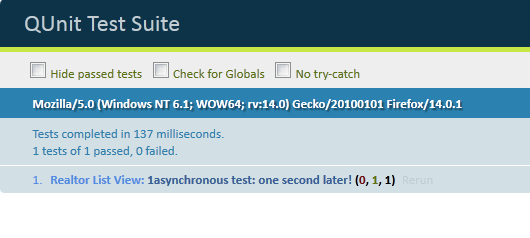
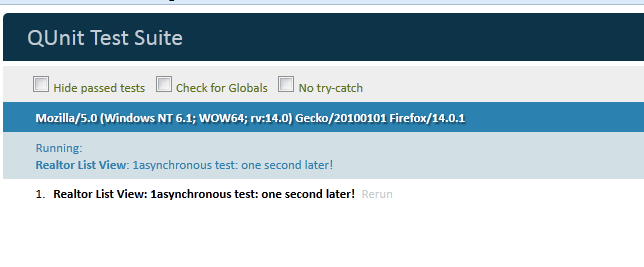
Basically, the asyncTest never returned. This manifested itself in the html view of the tests like this (left is success, right is where the test never returns–note the white):
Turns out that sinon-qunit adapter has sinon fake the browser timer, so setTimeout doesn’t work as expected.
To fix, just turn off the timer faking for a single test: this.clock.restore() or sinon.config.useFakeTimers = false to disable this for all tests.
 Follow me on Twitter
 Follow me on Blue Sky